1
Work orders
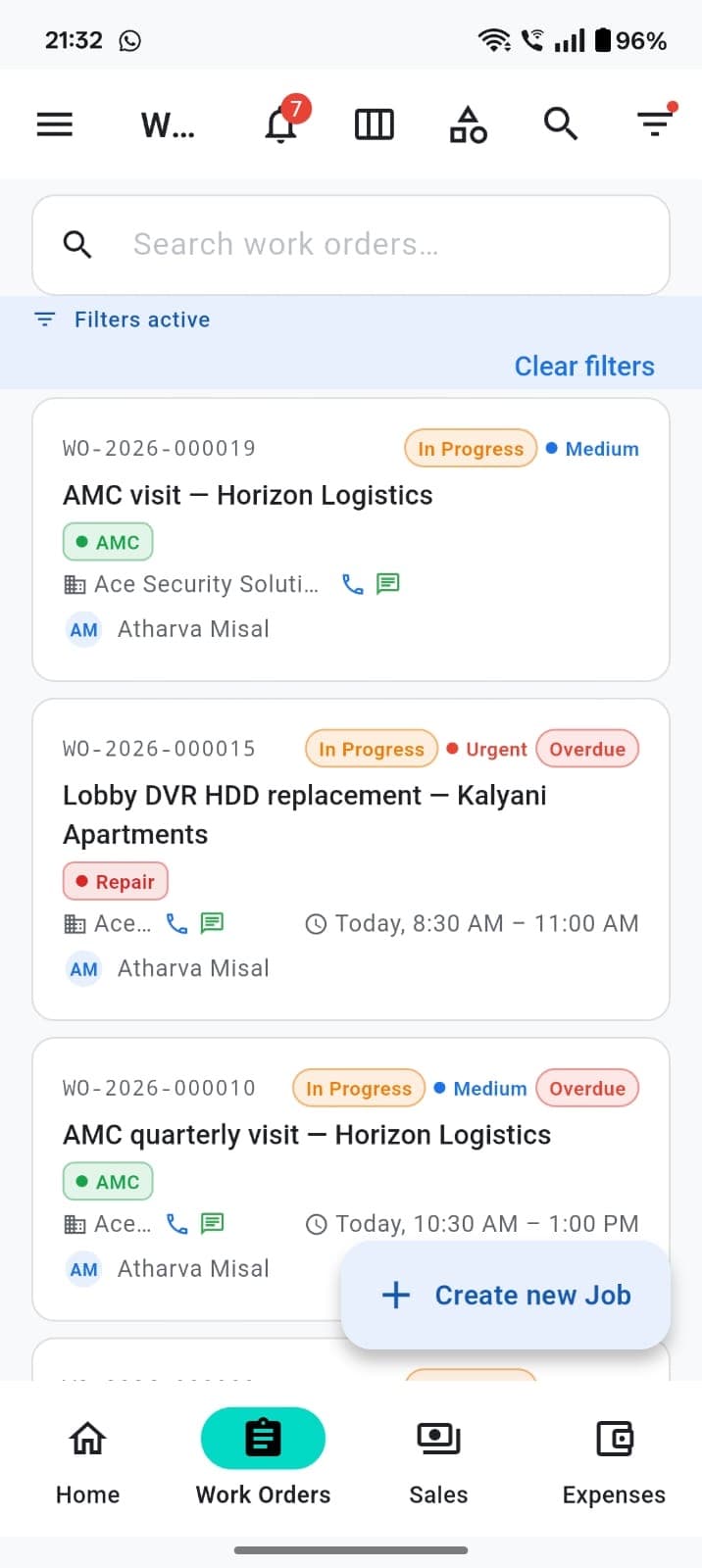
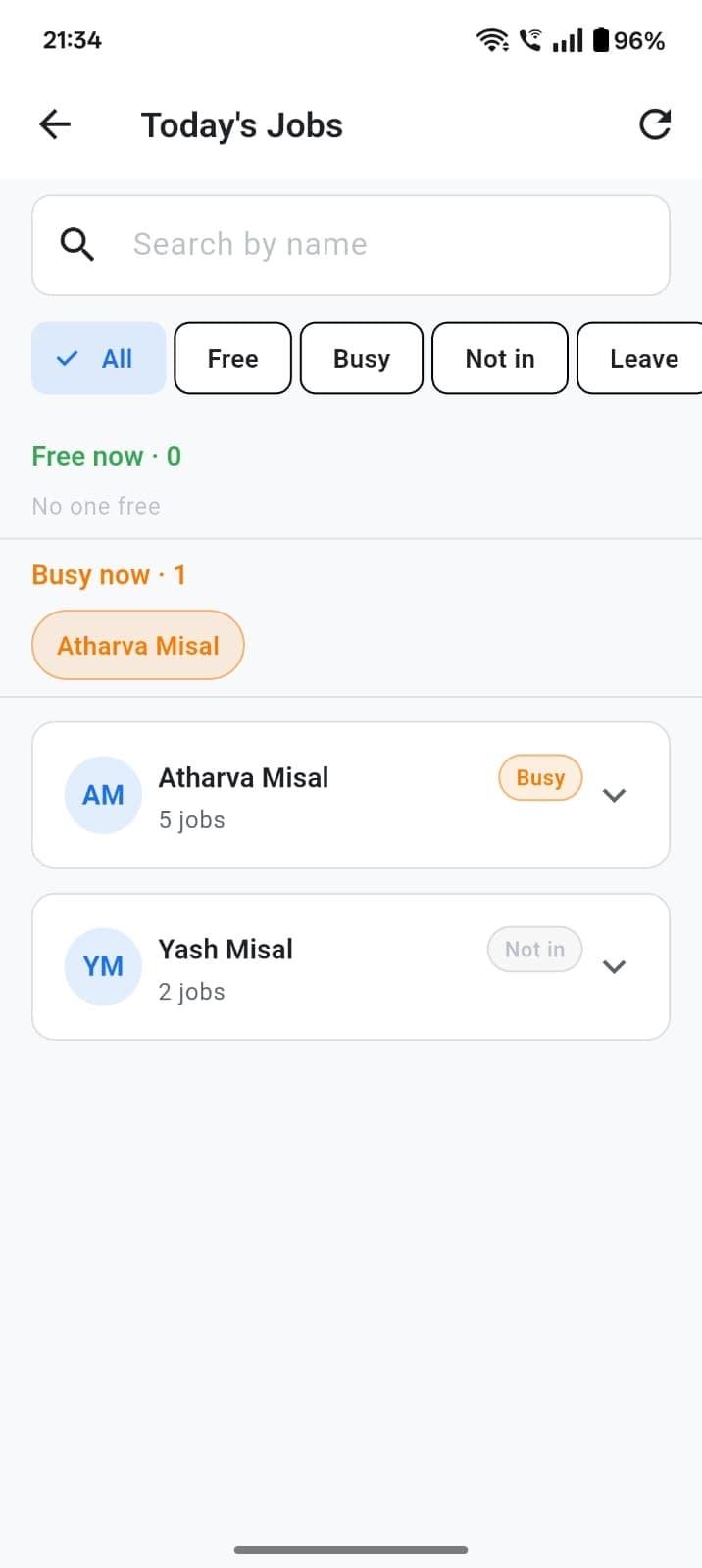
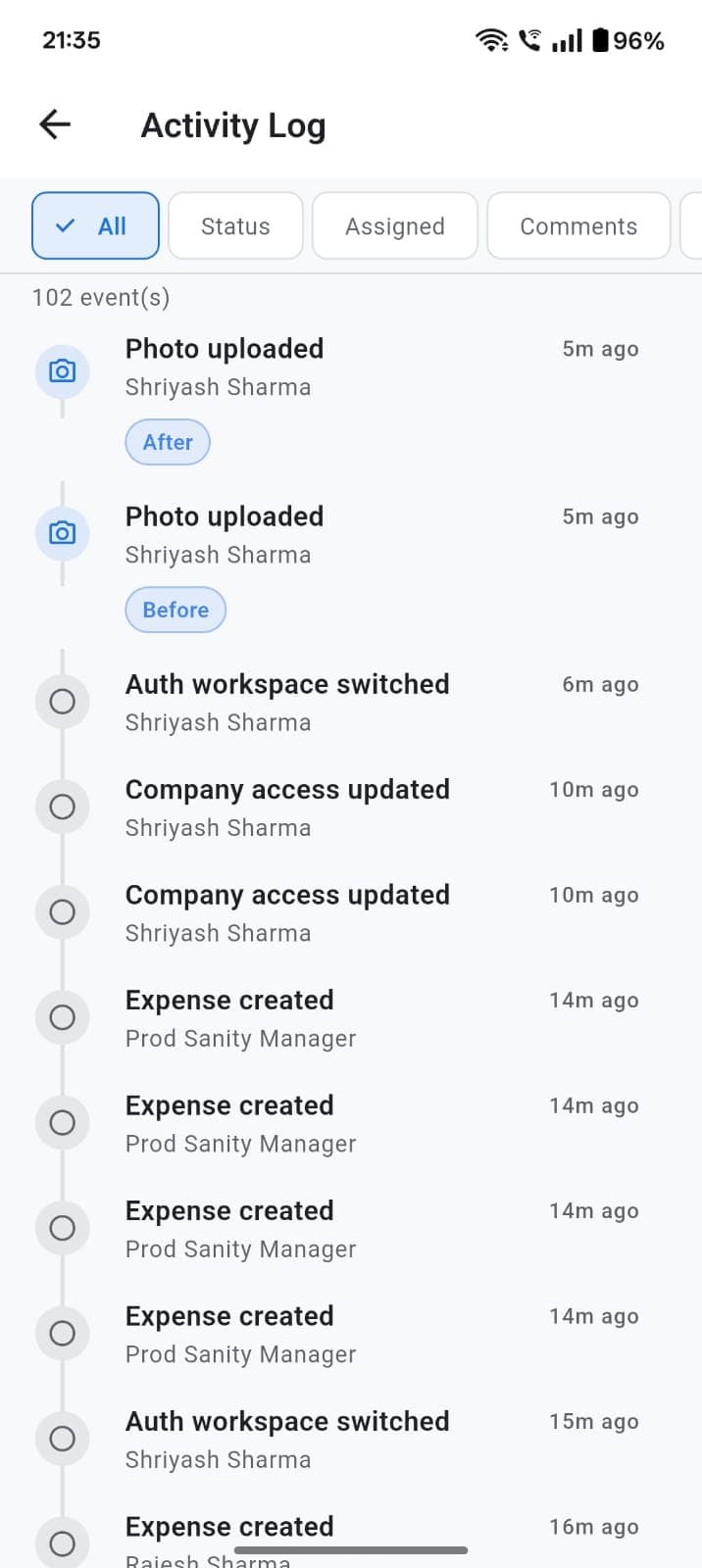
Create a job, assign a technician, move status, add comments and before/after photos, see today's board, and share a completion report PDF.
Jobs, attendance, GST invoices, purchases, expenses, reports, and a customer portal — what field teams can do in the app today.
TeamShastra is field service management software for owners, managers, and technicians.
Create a job, assign a technician, move status, add comments and before/after photos, see today's board, and share a completion report PDF.
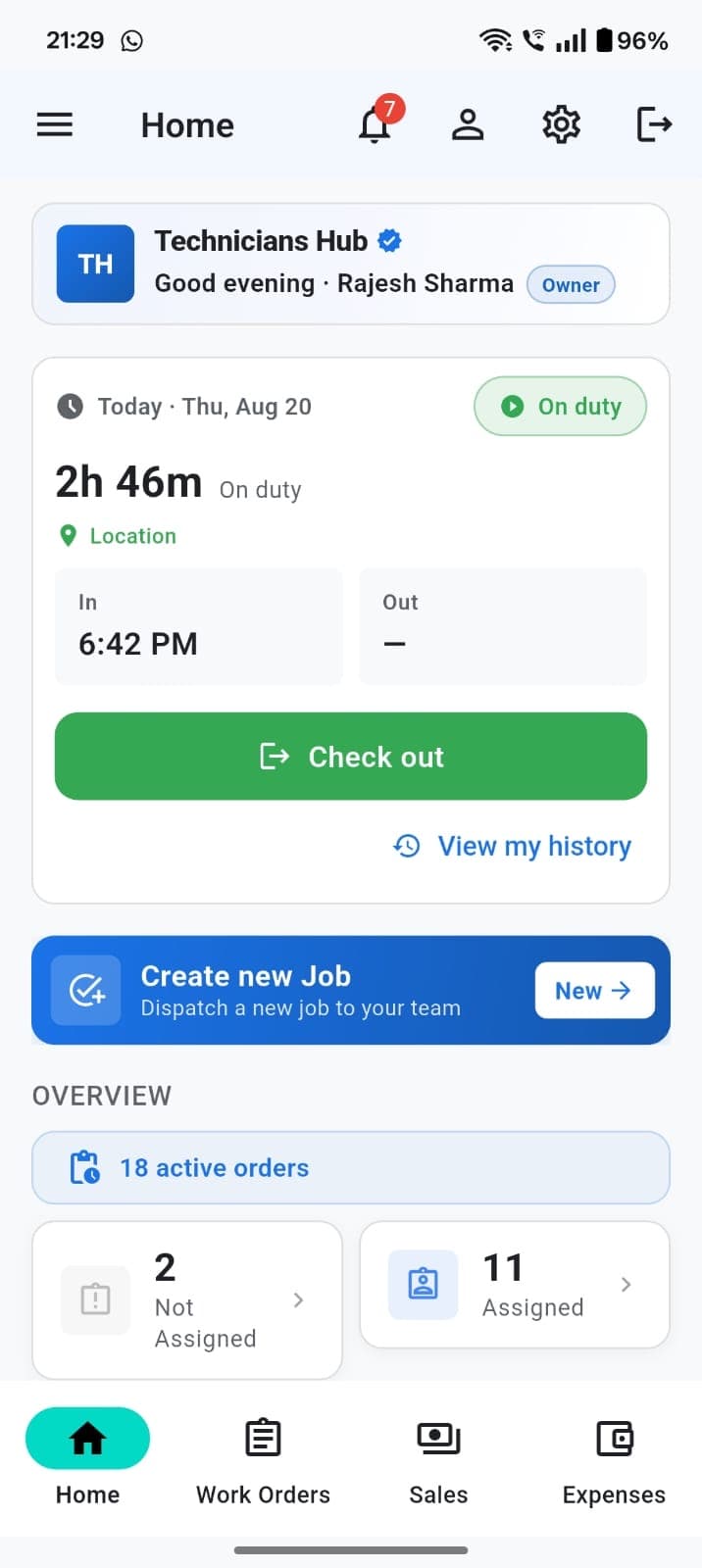
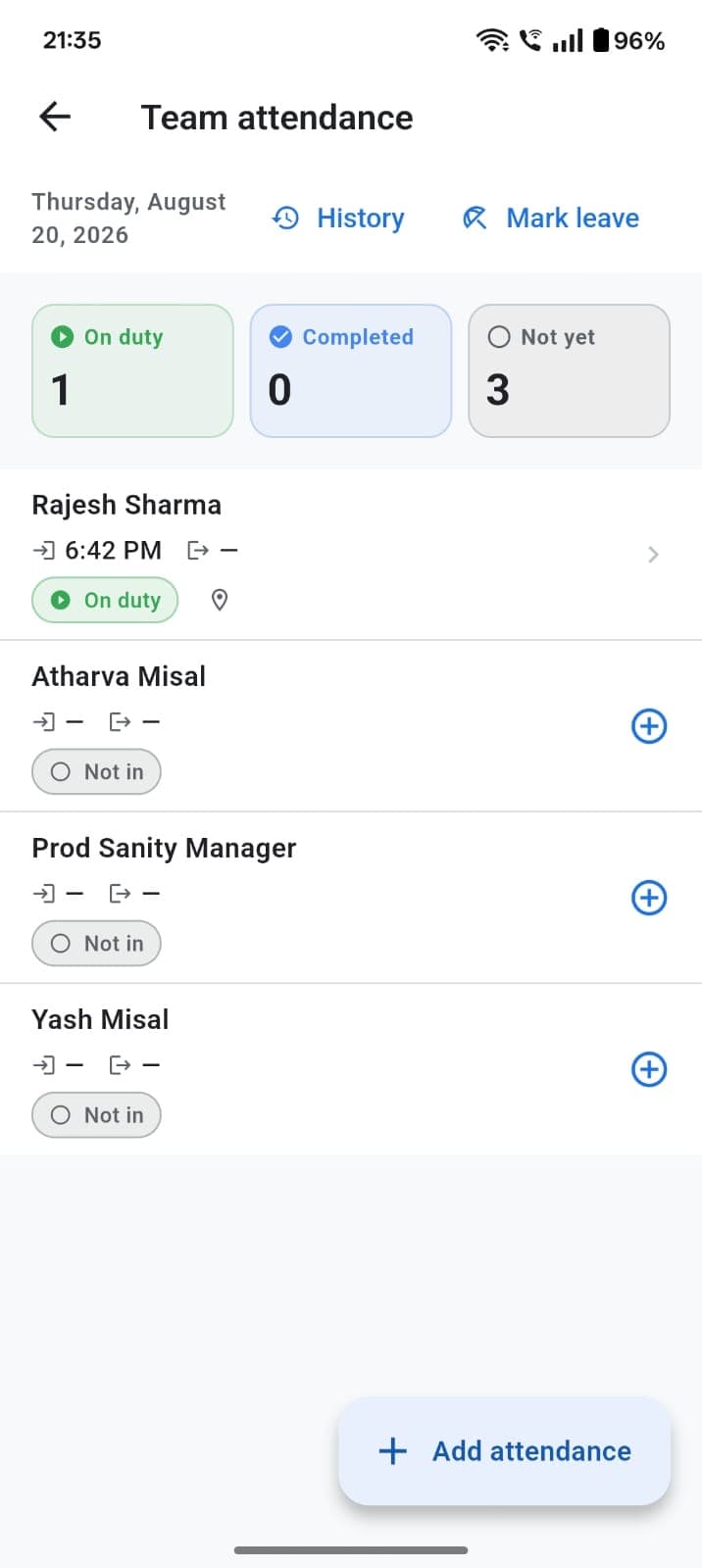
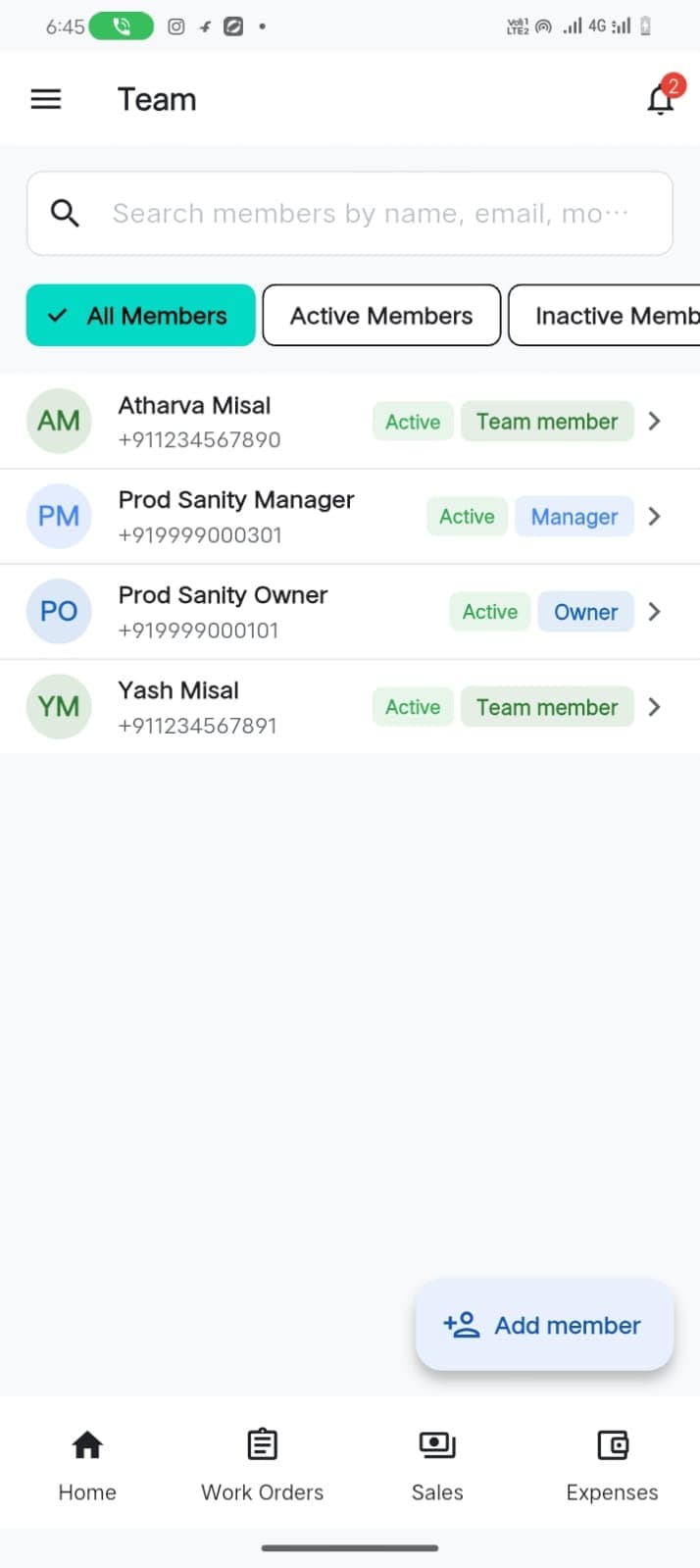
Invite technicians and managers. Check in and out with optional location (works offline). Managers review duty, mark leave, and correct records. No all-day GPS tracking.
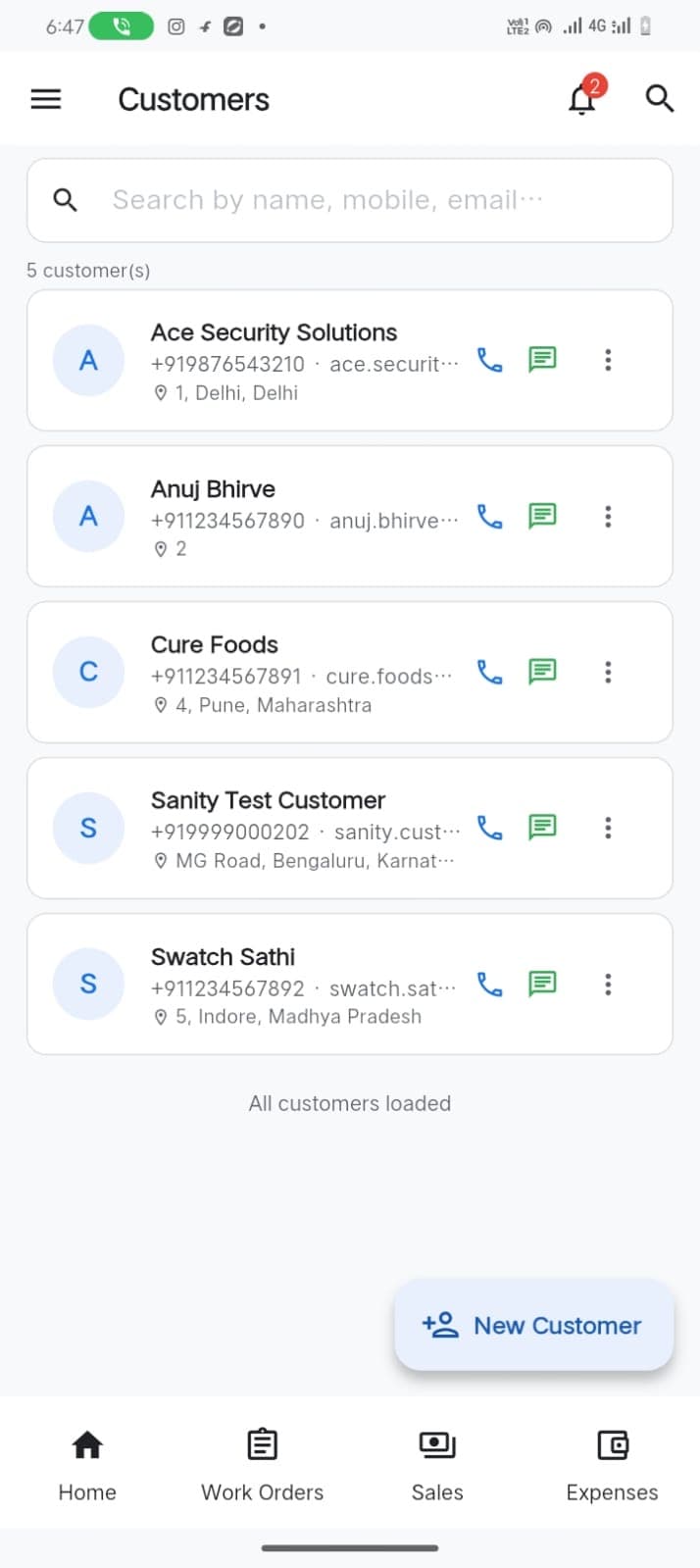
Customer directory with job history, AMC contracts, customers due for a visit, and an optional customer portal for jobs you share.
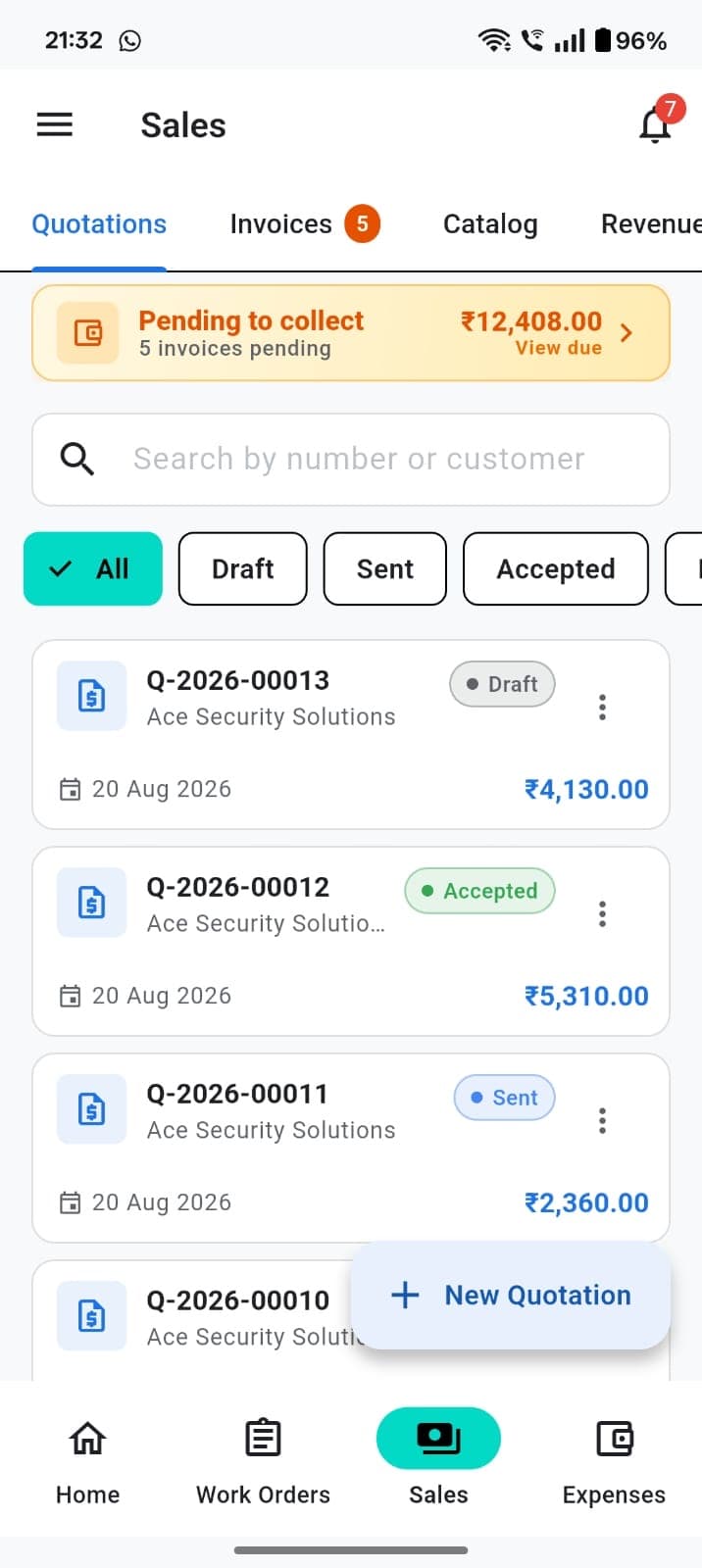
Catalog, quotations, GST tax invoices, credit notes, debit notes, delivery challans, payments, and pending collections. Share PDFs on WhatsApp.
Export CA-ready GSTR-1, GSTR-3B, GSTR-9, and HSN summary workbooks (not GST portal filing). TDS rate configuration, reports, and Form 26Q certificates.
A catalog with stock tracking and a movement ledger across sales, purchases, returns, and adjustments.
Record purchase bills, track what you still owe suppliers, and keep sales and purchases in the same workspace.
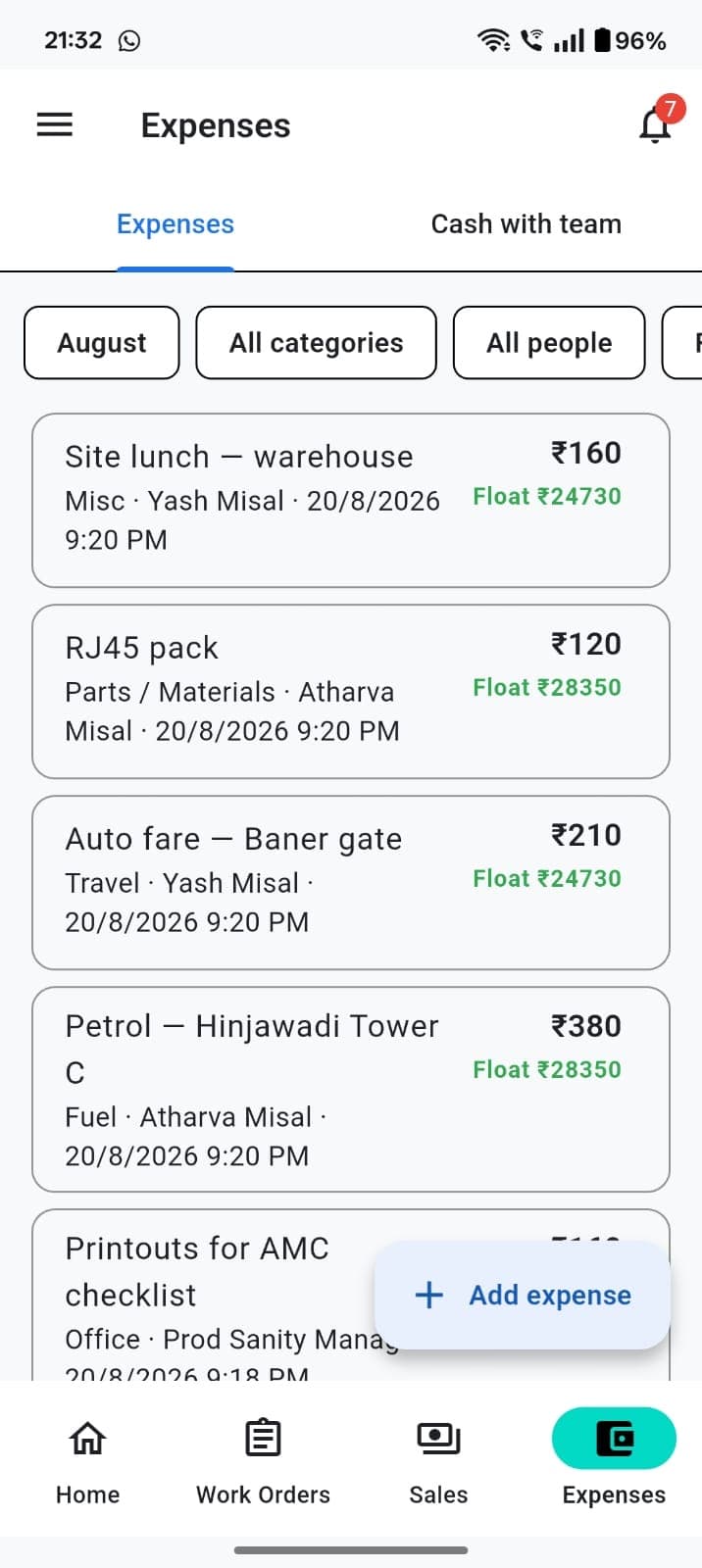
Log field expenses by person and category. Track cash given to staff (float) and bank balances next to collections.
Owner-only payroll: per-employee pay profiles (monthly, daily, or hourly), paid holidays, salary advances, and one-off adjustments. Run monthly payroll from draft to locked to paid.
One login can switch between more than one company, each with its own jobs, customers, and books.
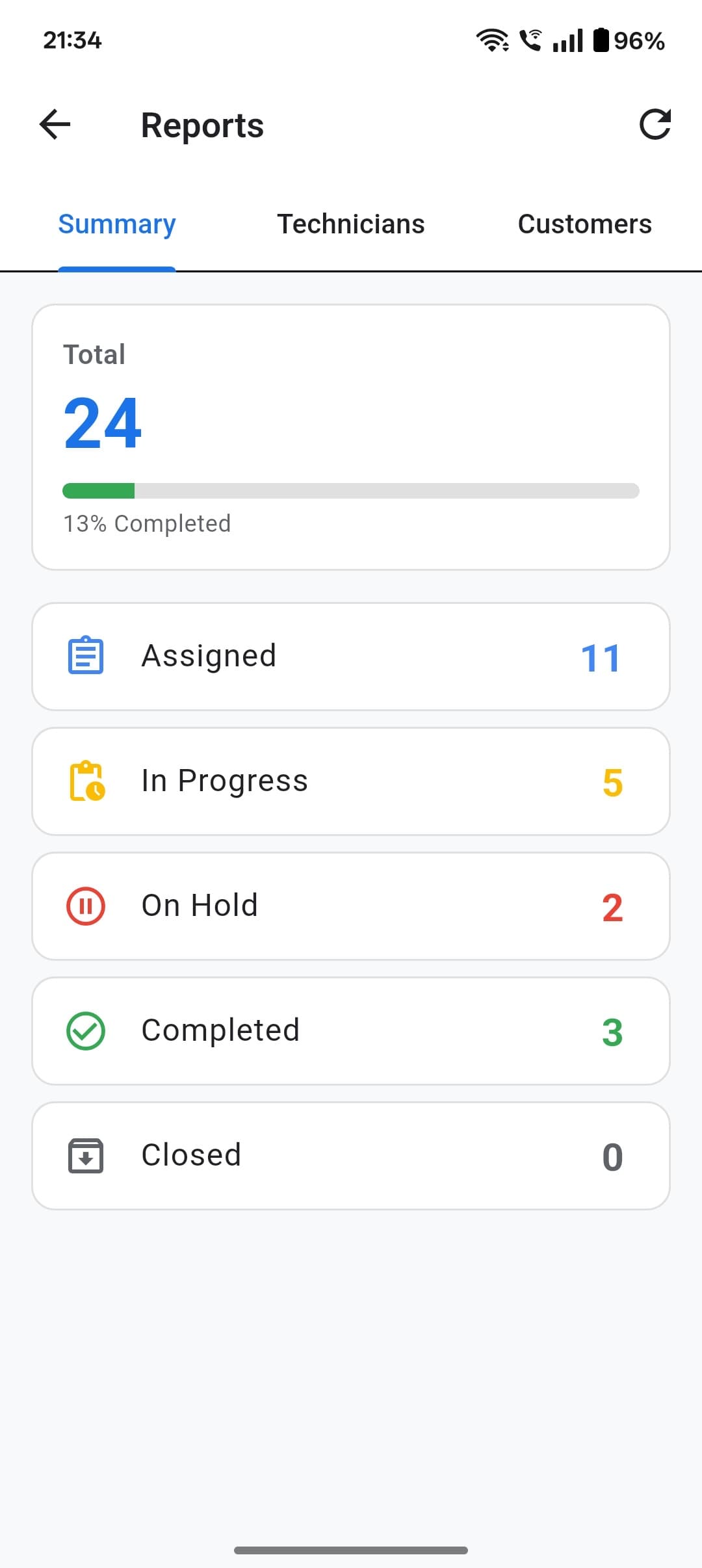
Job summary, technician performance, and revenue views for owners and managers.
English, Hindi, Gujarati, Marathi, and Bengali — built for Indian field teams.
Push notifications for jobs and comments, tapping straight through to the relevant screen.
Chat with TeamShastra from inside the app, or start a visitor chat on this site with your email and mobile number — a real person (or our support assistant) replies in the thread.
Bulk import your catalog, parties, sales, purchases, and expenses from Vyapar, with a dry-run preview before anything is saved.
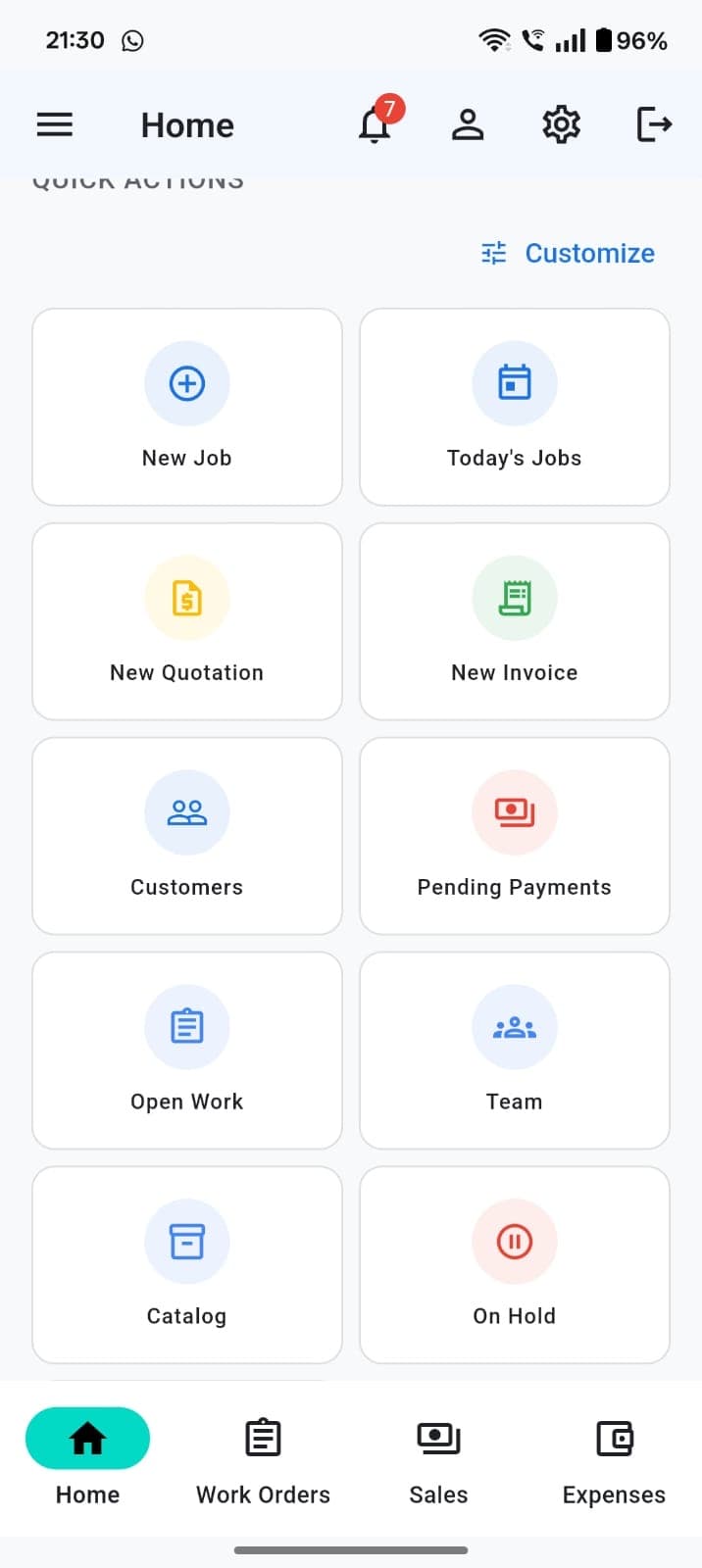
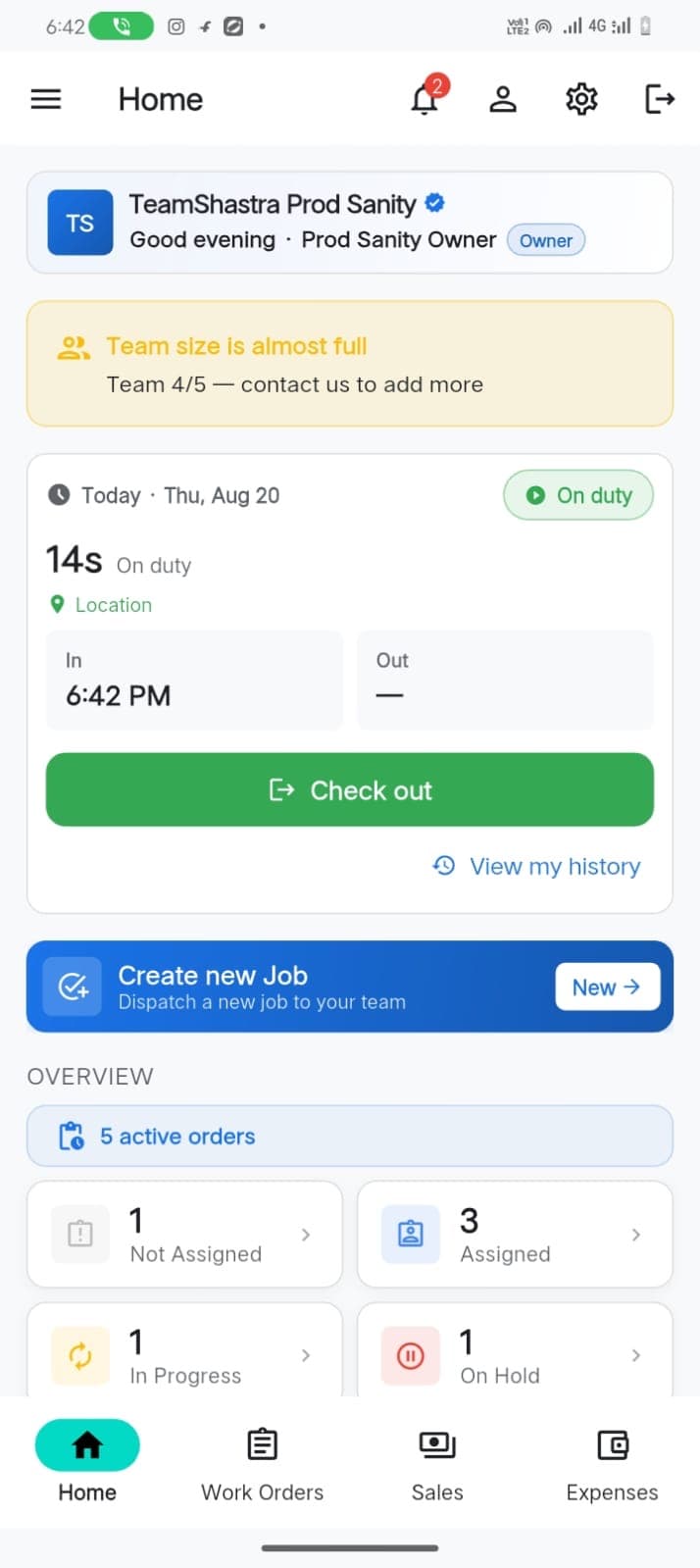
Live screens from the product — home, work orders, attendance, sales, expenses, team, customers, and reports.