Home automation business software for smart home projects
Smart switches, curtain motors, a video door phone and a smart lock: one villa can take a week. TeamShastra is home automation business software for the installers doing that work, lighting control included. It covers the quote, the multi-day install, device stock and the handover.
How the work really runs
Smart home projects are bigger than a single visit. A new flat may need smart switches in every room, motorised curtains, a video door phone, smart locks and a hub tying them together. The work often runs alongside the interior designer and the electrician.
It starts with a walk-through and a detailed quotation, often revised two or three times as the client changes rooms or brands. Once approved, devices are ordered from distributors and held in stock until the site is ready.
Installation can stretch over several days or weeks, depending on when walls, wiring and furniture are done. Different team members visit on different days. On the last day every device is configured, the client's phone is set up, and the family is shown how to use it.
Run it on WhatsApp and paper, and revised quotes get confused, devices sit in the godown without a count, and progress is unclear to the client. Handover is a quick demo with no written record of what was installed.
Where it usually goes wrong
- Quotes revised many times as clients change their minds
- Expensive devices held in stock for weeks before install
- Multi-day projects where different staff visit on different days
- Clients and designers asking for progress updates
- Handover without a record of devices installed and settings
How home automation business software runs a project
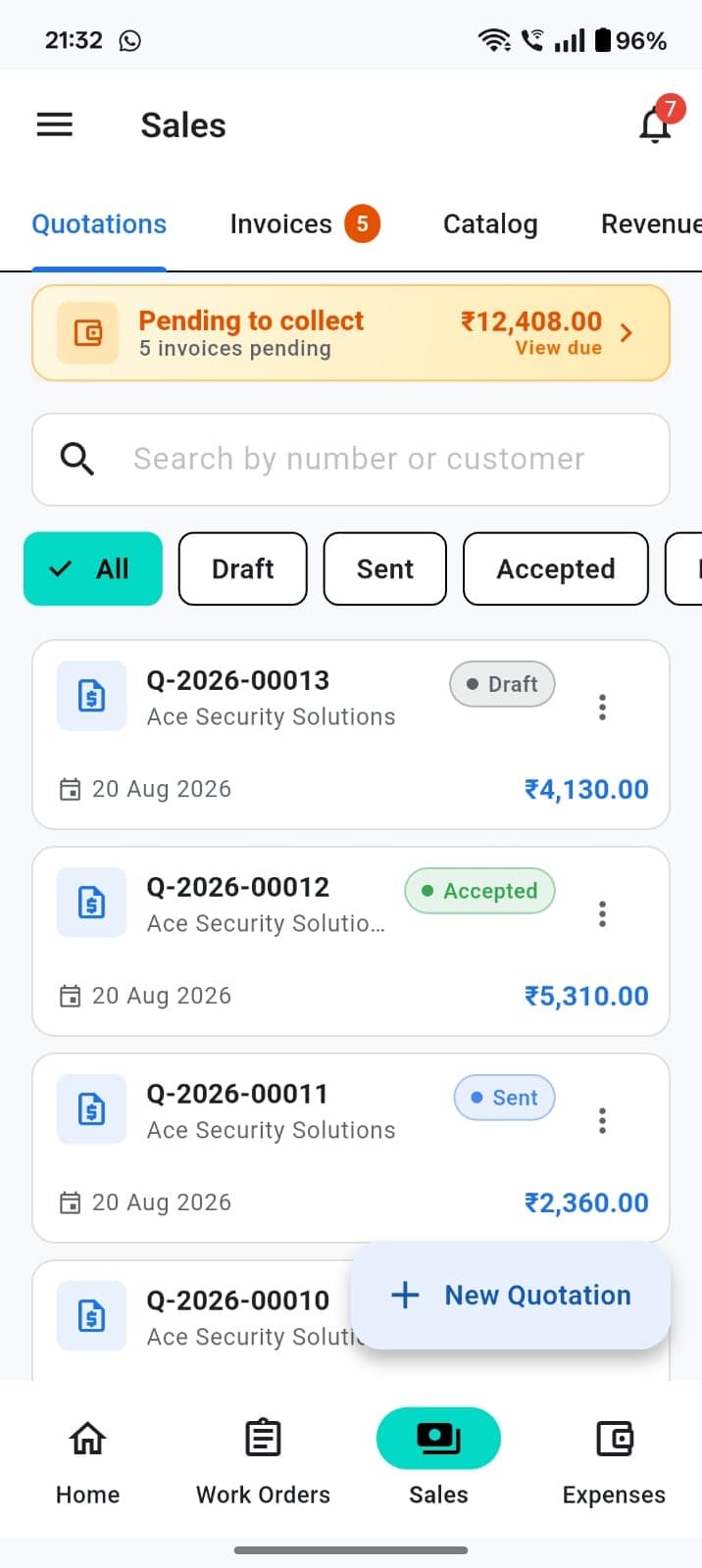
- Quotations & estimates: Send a fresh quotation each time the client changes rooms or brands, and convert only the final approved one into the project job.
- Stock & inventory: Smart switches, hubs and curtain motors are counted from purchase to install, so costly devices do not vanish in the godown.
- Purchases & suppliers: Record distributor bills and part payments, and see what you owe each brand's supplier.
- Service report PDF: Send a progress report to the client and designer during the project, and a final report with photos at handover.
- Jobs & work orders: One project job collects comments and photos from every person who visits, so the next person knows where work stopped.
- Multi-company: Installers who also run a CCTV or electrical firm can switch between companies from one login.
From enquiry to payment
- Walk through the home and send the first quotation.
- Revise quotations until the client approves one.
- Convert it to a project job and record distributor purchase bills.
- Assign staff for each install day; they add photos and notes.
- Send progress reports to the client and designer.
- Hand over with the final report and bill the balance amount.
What it does not do
- Smart home devices are configured in their own apps; TeamShastra doesn't control them.
- Drawings and wiring diagrams aren't produced here.
Questions from home automation & smart home businesses
Straight answers about home automation & smart home in TeamShastra.
Can I keep several versions of a quote for the same client?
Yes. Make a new quotation for each version so the client can compare. Only the one they approve is converted into a job or invoice. Older versions stay in the list for reference, which helps when the client asks what changed.
How do I update a client during a long installation?
Ask the team to add photos and short comments after each visit. Then send a progress report PDF from the open job. Clients and interior designers like seeing the work move, and it reduces calls asking for updates. Share it once a week.
Can I track devices bought for one project?
Yes. Record the distributor's purchase bill so devices enter stock, then bill them to the client when installed. Each item's movement history tells you when it came in and which client invoice it went out on. Stock left over stays counted.
What should go into the handover report?
Photos of each installed device, the hub and the panel, plus comments listing rooms and devices. Create the service report from the completed job and share it with the client. It becomes their record of what was installed. Add Wi-Fi notes too.
Can I take advance payments on the project?
Yes. Record payments against the invoice as they come, including advances and part payments. The bill stays open until fully paid. A quotation can also carry a scan-to-pay UPI QR for the advance if your UPI ID is saved. Balance due stays visible.