CCTV installation business software from survey to AMC
Site survey on Monday, quote on Tuesday, four cameras up by Saturday and an AMC to renew next year. TeamShastra is CCTV installation business software made by people who run a CCTV and home automation business themselves. Cameras, DVRs, alarms, access control and video door phones all fit the same flow.
How the work really runs
A typical day starts with two or three enquiries. A shop owner wants four cameras. A society wants to replace old analog cameras with IP ones. An office wants access control on the main door. Each one needs a site survey before you can quote.
The surveyor counts camera points, measures cable runs and notes where the DVR or NVR will sit. Back at the shop, the quote is typed from those notes. If the customer agrees, material is pulled from stock: cameras, a recorder, a hard disk, cable rolls, connectors, a power supply and a rack.
Installation can take one day or a week. Cable is laid, cameras are fixed and angled, the recorder is set up and the customer's phone gets remote viewing. The customer then signs off. A few months later the AMC begins: cleaning lenses, checking recordings, replacing a failed adaptor.
Survey notes go missing between these steps. Cable used is never counted, so stock drifts. Handover proof is a few photos on one technician's phone. AMC visits are remembered only when the customer calls with a blank screen.
Where it usually goes wrong
- Survey details and quotes typed again into the bill
- Cameras, hard disks and cable rolls leaving stock without a record
- No clear proof of camera angles and recorder setup at handover
- AMC visits for societies and shops missed until something fails
- Multi-day installs with helpers whose attendance is hard to check
Where CCTV installation business software saves time
- Quotations & estimates: Build the quote from your catalog of cameras, recorders and labour right after the survey, and convert it to an install job when the customer approves.
- Stock & inventory: Cameras, hard disks and cable leave stock when you bill them, and a stock count with a reason fixes any gap found on the shelf.
- Jobs & work orders: Run the installation as one job with the team assigned, and keep it on hold with a note while the customer arranges a ladder or power point.
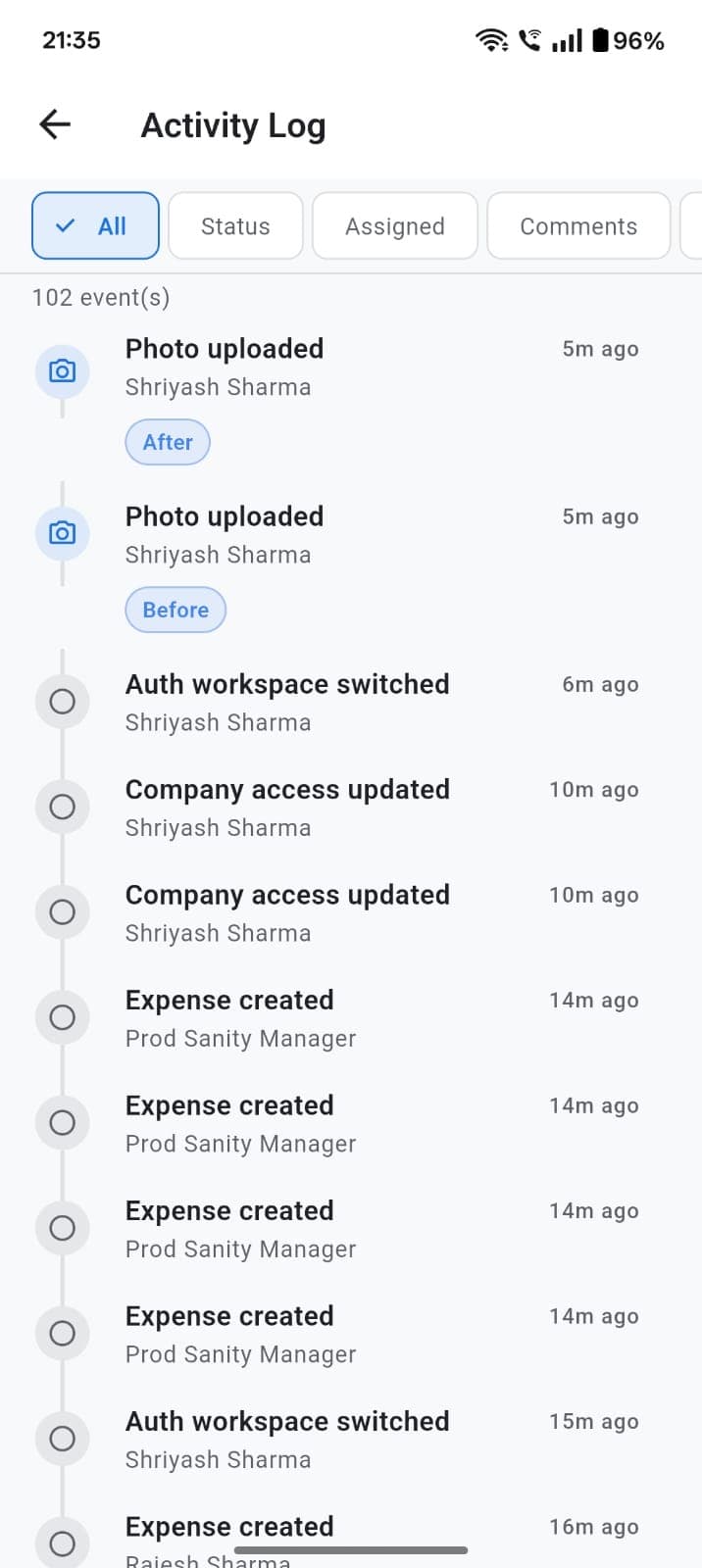
- Service report PDF: Before and after photos of each camera position and the recorder screen go into a PDF that the customer receives at handover.
- AMC contracts: Create the AMC at handover with its visit gap, so lens cleaning and recording checks appear as due visits.
- GST billing & invoices: Bill hardware and installation on one GST invoice, with a scan-to-pay UPI QR for the final payment.
- GPS attendance with selfie: Helpers on a multi-day install check in at the site with a selfie, so you pay for days actually worked.
From enquiry to payment
- Enquiry comes in; add the customer with the site address and map pin.
- Do the survey and send a quotation PDF from the catalog the same day.
- Convert the approved quote to an installation job and assign the team.
- Bill the hardware so stock reduces, and track the job as cable and cameras go in.
- Add handover photos and share the service report.
- Collect payment against the invoice and start the AMC contract.
What it does not do
- Cameras and recorders aren't connected to the app, and it doesn't watch video feeds.
- Camera layouts and hard disk storage days are still worked out by you.
Questions from cctv & security installers businesses
Straight answers about cctv & security installers in TeamShastra.
Can I keep separate catalog items for each camera model?
Yes. Add each camera, recorder, hard disk and accessory as its own catalog item with its price, HSN code and stock tracking. Labour charges such as installation per camera can be service items. Quotes and invoices then pull the right rates every time.
How do I track cable used on an installation?
Keep cable as a catalog item measured in metres or rolls. Bill the length used on the invoice, or record a stock adjustment if it was part of a fixed-price package. Either way, the movement history shows where your cable went.
Can the customer get proof of camera positions at handover?
Yes. Ask the technician to take a photo of each camera's view and the recorder screen and attach them to the job. Those photos land in the service report PDF, which helps when a customer later says a camera angle was changed.
Is TeamShastra useful for access control and video door phone installs too?
Yes. These are jobs with material, labour and a handover like any CCTV install. Add the devices to your catalog, quote them, run the job and bill it. The AMC module works the same way for their yearly service. Alarm systems fit in the same way.
Can I give a society a login to see their AMC jobs?
Yes, with the customer portal. Invite the society secretary or manager by email and share the AMC visit jobs with them. They can see status and the photos you mark visible, without calling your office. You choose which photos they see on every job.
Who built TeamShastra?
TeamShastra is run by Shri CCTV And Home Automation Services. Many of its features come from the daily needs of a security and home automation installer, such as stock of cameras and cable, multi-day installs and AMC visits. The product is used daily by that installation team.
Keep exploring
Plans and prices are on the pricing page.