IT AMC software for computer and networking service companies
The bank branch printer is down, and a CA's office wants its Wi-Fi checked on Thursday. IT AMC software keeps those visits, and the hardware behind them, organised. TeamShastra plans recurring office visits, runs installation projects and keeps hardware stock and GST billing together.
How the work really runs
An IT service firm juggles two kinds of work. The first is the AMC: a set of offices that pay yearly for computer, printer and network support. Some want a visit every month. All of them call when the internet drops or a printer jams.
The second is project work: a new office needs LAN cabling, a rack, switches, Wi-Fi access points and a firewall. These jobs span several days and use a lot of hardware from stock.
Engineers move between offices, often visiting three or four clients a day. Clients ask for a report after each visit, listing what was checked and fixed. Their accounts teams want GST invoices with correct HSN codes and often deduct TDS.
Monthly visits slip when engineers are busy with projects. Hardware leaves stock for a project and is never billed. Clients complain they never got a visit report. At year end, AMC renewals are discussed without any record of what was delivered.
Where it usually goes wrong
- Monthly office AMC visits slipping behind urgent calls
- Switches, cables and access points used on projects but not billed
- Clients asking for visit reports before releasing AMC payment
- Clients deducting TDS, which needs tracking at year end
- Engineers spread across many offices with no single view
What IT AMC software tracks for office clients
- AMC contracts: Each office's AMC lists its monthly visits, and engineers get the due visit as a job before the client has to remind you.
- Service report PDF: After every office visit, the engineer's notes and photos of the rack or printer become a report for the client's admin team.
- Customer portal: Give an office admin a login to see the jobs you share for their office, so they stop calling for status.
- Stock & inventory: Switches, patch cords and access points are stock items that reduce when billed on a project invoice.
- TDS & Form 26Q: Save TDS rates and keep party-wise TDS figures ready for year-end with your CA.
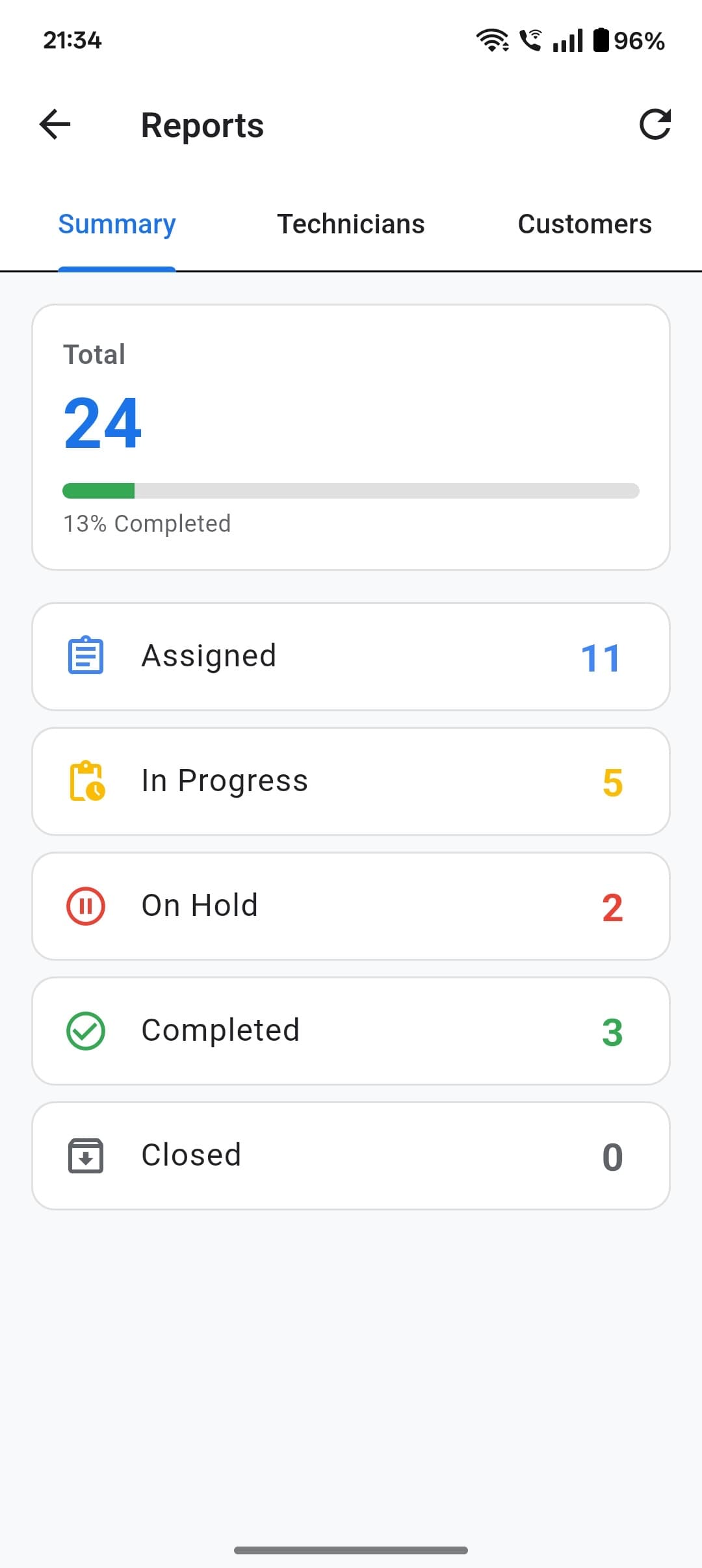
- Business reports: Compare jobs completed per engineer and see which clients use most of your time.
From enquiry to payment
- New client signs an AMC; create the customer and the AMC contract.
- For a network project, send a quotation with hardware and labour.
- Convert the approved quote to a job and bill the hardware used.
- Pick monthly AMC visits from the due list and assign engineers.
- Engineer completes the visit and shares the report.
- Bill the AMC as agreed and record payments, including any TDS.
What it does not do
- No remote monitoring of computers or networks.
- A device-by-device asset register for each client isn't part of it.
Questions from it, computer & networking businesses
Straight answers about it, computer & networking in TeamShastra.
Can I give each office client a report after every visit?
Yes. The engineer adds notes and photos to the job during the visit, then creates the service report PDF when it is done. Share it with the office admin on WhatsApp or email. Every report stays in the job for later reference.
How do I separate AMC work from project work?
Use job categories such as AMC visit, breakdown call and project. AMC visits are created from the contract, while projects come from approved quotations. Reports by category then show how much of your time goes into each type of work.
Our clients deduct TDS from our bills. Can TeamShastra track it?
Bills can show TDS with the net amount payable, and payments are recorded against them. The TDS reports and party-wise figures help you match what clients deducted. Check the details with your CA, since TDS rules depend on your case.
Can an office admin log in to see our work?
Yes, through the customer portal. Invite the admin by email and share the jobs for their office. They can see status, photos and comments you mark visible, and reply in the same thread instead of calling. Internal notes about pricing stay hidden.
Does the app help with hardware sales too?
Yes. Laptops, printers, switches and cables can be catalog items with stock tracking. Sell them on a GST invoice with the right HSN code, record supplier purchase bills, and the stock count follows both. Supplier dues for hardware distributors are tracked in the same place as your client bills.
Keep exploring
Plans and prices are on the pricing page.