RO service software for water purifier sales and service
Every water purifier you sell comes back for a filter in a few months, if someone remembers to call. RO service software keeps that list for you. TeamShastra tracks filter changes, counts spare parts and records the payment at the door, for shops that send technicians to homes.
How the work really runs
An RO business lives on repeat visits. You sell a purifier once, but the filters, membrane and UV lamp need changing every few months. Each customer is a small, steady income, if you remember to go back.
Most days a technician handles six to ten home visits. Some are new installations with a wall bracket and a tap. Some are complaints: low flow, bad taste, a leak. Many are routine filter changes. The technician carries a bag of spares and returns with cash and UPI payments.
The trouble is the follow-up. Customer due dates live in a register. When the register is not checked, customers buy filters from a roadside mechanic and your income walks away. Spares leave the shop in the technician's bag, and nobody counts what came back. Cash collected at the door reaches the shop late or short.
Customers also expect proof. A family wants to know which filter was changed and when, especially when they paid for an AMC.
Where it usually goes wrong
- Filter-change due dates for hundreds of homes kept in a register
- Spare filters and membranes taken by technicians without a count
- Cash and UPI collected at the door not matched to visits
- Many short visits a day that are hard to plan
- Customers on AMC asking for proof of each service
What RO service software does for a purifier business
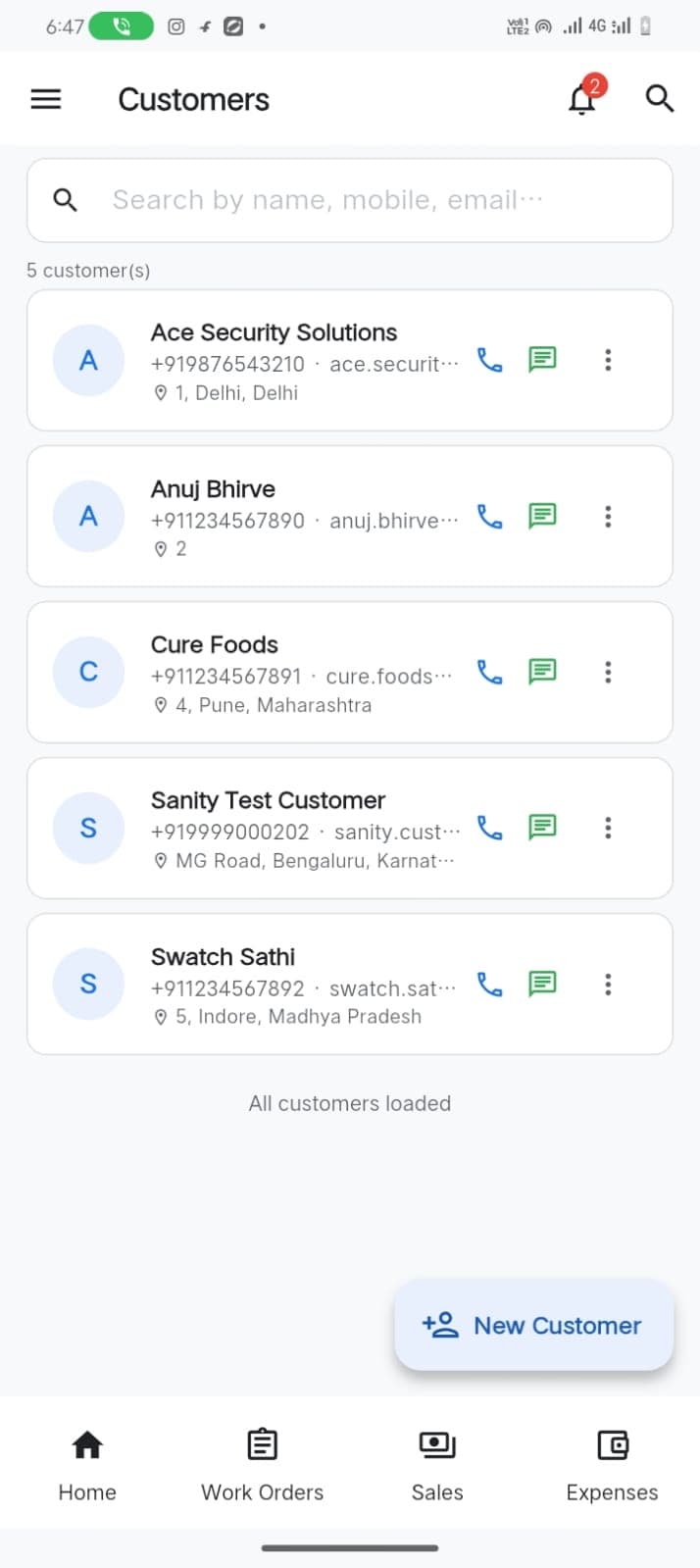
- Customer management: Set the next-visit date on each purifier customer, so the due list shows whose filters need changing this week.
- AMC contracts: Customers who pay for a yearly plan get an AMC with three or four visits, and each due visit becomes a job in one tap.
- Technician dispatch & today board: Between home visits, the Today board tells you which technician is free, so a new complaint goes to the right person.
- Stock & inventory: Filters, membranes and UV lamps leave stock when billed, so the shelf count stays close to what the app shows.
- Jobs & work orders: Before leaving each home, the technician records cash, UPI or not paid against that job.
- Staff cash & bank accounts: Cash collected during the day sits in the technician's staff cash until it is settled at the shop.
From enquiry to payment
- Customer buys a purifier; save them with address, pin and next-visit date.
- Create the installation job and bill the unit and fittings.
- Check the due list weekly and create filter-change jobs.
- Technician visits, takes a photo of the replaced parts and marks the job complete.
- Record cash or UPI at the door, or send a bill with a UPI QR.
- Update the next-visit date for the following service.
What it does not do
- Customers don't get an SMS when a filter is due; your team calls them from the due list.
- Water quality and TDS readings come from your own meter, not the app.
Questions from ro & water purifier service businesses
Straight answers about ro & water purifier service in TeamShastra.
How do I remember which homes are due for a filter change?
Set a next-visit date on each customer after every service. TeamShastra lists customers who are due, so you can call them or create jobs before they look for someone else. Customers on a paid plan can be put on an AMC instead, which plans every visit for the year.
Can technicians see the purifier model at the customer's home?
Yes. Add the model and installation date in the job notes or the first job for that customer. On every later visit, the technician opens the customer's past jobs and sees what was installed and which parts were changed before.
How do I stop spare filters from going missing?
Keep filters and membranes as catalog items with stock tracking. Bill every part used, even on AMC visits where the price is zero. Stock then drops with each visit, and a weekly shelf count with adjustments shows any gap quickly.
Can the technician collect UPI at the customer's door?
Yes. If your UPI ID is saved, the bill PDF carries a scan-to-pay QR, and a bank account can also show a QR on the phone. The technician then marks the job as paid by UPI so the office knows the money came in.
Is the app hard for door-step technicians to learn?
Most technicians learn the daily flow quickly: check in, open the job, add a photo, mark complete and note the payment. The app also works in Hindi, Gujarati, Marathi and Bengali, which helps staff who are not comfortable in English.
Keep exploring
Plans and prices are on the pricing page.