Job alert notifications your field team will not miss
Nobody should have to phone a technician only to say a new job is waiting. TeamShastra sends job alert notifications to the people involved. A new assignment, a status change or a fresh comment arrives as a push alert, and one tap opens that exact job.
The problem
A job given on WhatsApp sits between family forwards, cricket scores and group photos. The technician sees it an hour later, or not at all. The owner thinks the work is moving. The customer is still waiting at home.
Updates get lost too. The office adds a note that the customer changed the time, but the technician never reads it and arrives at the wrong hour. A manager asks a question on the job and the reply never comes.
Calling each person for each small change takes the whole day and still leaves gaps.
New staff suffer most. They are added to five groups on day one, cannot tell which message is an order, and wait for someone to call them. Meanwhile a customer who was told "he is on the way" keeps refreshing their phone.
When job alert notifications are sent
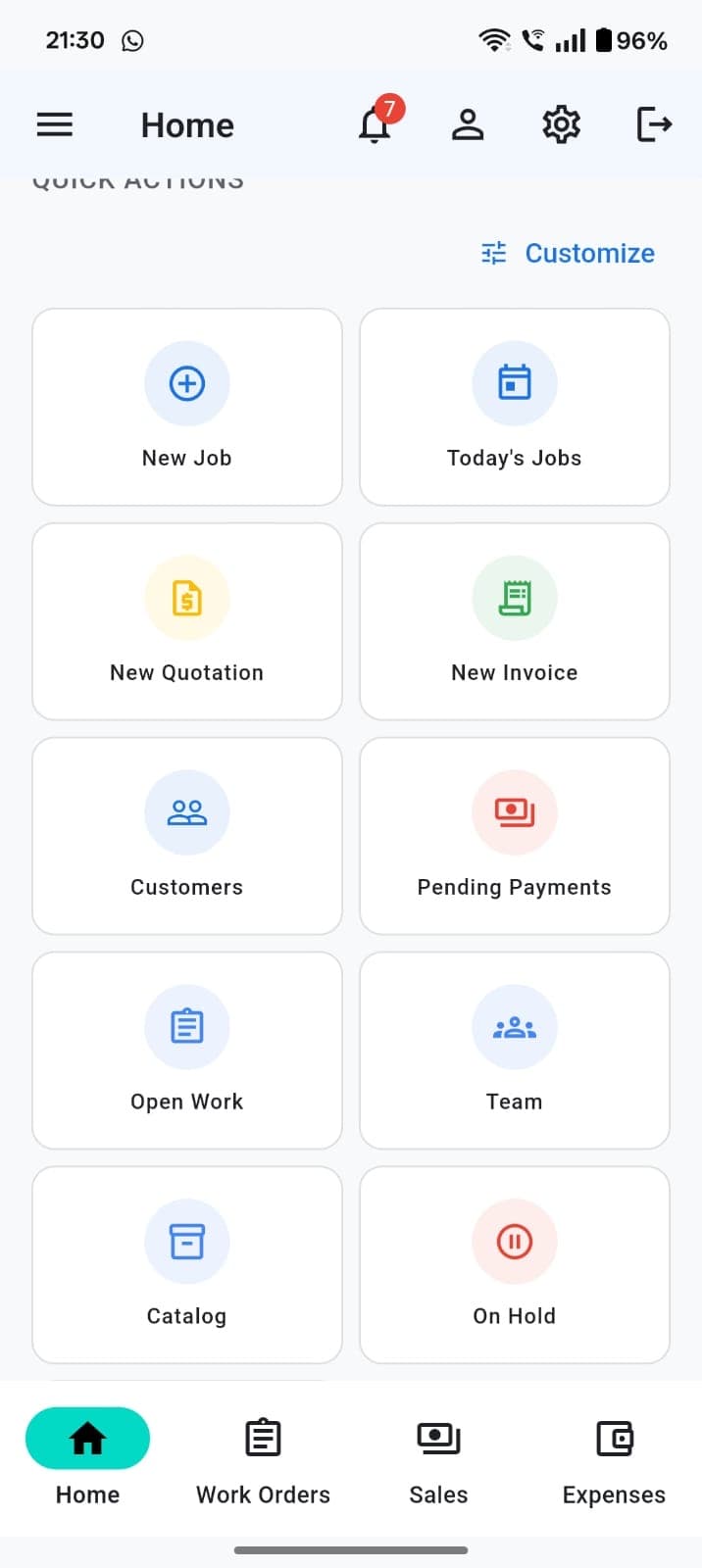
TeamShastra uses push notifications that come from the app itself, so they do not mix with personal chats. When a manager assigns a job, the technician gets an alert at once. When someone changes the status or adds a comment, the people on that job are told.
Owners can also send announcements to the team, such as a holiday notice or a reminder about a safety rule. Every notification opens the screen it is about. A tap on a new comment goes to that job's thread. A tap on an assignment opens the job with the address and notes.
Alerts are also kept inside the app in a notification list. If a technician cleared the phone tray by mistake, they can still see what came in today.
Each person can also adjust their own notification preferences. A manager who does not want every comment can turn some off, while technicians keep job alerts on so they never miss a new assignment.
How it works in the app
- Install the Android app and allow notifications when the phone asks.
- A manager assigns a job; the technician's phone shows the alert.
- The technician taps the alert and the job opens with all its details.
- Replies and status changes alert the other people on the job.
- Open the notification list in the app to see anything missed.
Who it is for
Technicians rely on alerts to know what to do next. Managers rely on them to hear back when a job moves. Owners use announcements for the whole team. Busy teams with many short visits, such as appliance repair, RO service and pest control businesses, get the most from it.
Benefits
- Work instructions do not get buried in personal chats
- Changes to time or scope reach the technician quickly
- Questions on a job get answered in the same thread
- One tap from the alert opens the right screen
- Team-wide announcements reach everyone at once
What it does not do
- Alerts are push notifications inside the app, not automatic WhatsApp or SMS messages to customers.
- If a phone has notifications turned off, the person will only see updates when they open the app.
Questions about job alerts & notifications
Straight answers about job alerts & notifications in TeamShastra.
Which events send a push notification?
The main ones are a new job assignment, a change in job status, a new comment on a job you are part of, and announcements from the company. The goal is to alert the people involved in a job, not to send every update to everybody in the company.
Do customers get these alerts too?
Customers who use the optional customer portal can see the jobs you share with them and reply there. The push alerts described on this page are for your own staff. Customers don't get automatic SMS or WhatsApp messages from TeamShastra.
What should I do if a technician says they get no alerts?
First check that the app is allowed to show notifications in the phone settings. Some phones also stop apps in the background to save battery, so allow TeamShastra to run normally. Make sure the person is logged in to the right company if they belong to more than one.
Can I send a message to the whole team at once?
Yes. Owners can post an announcement that goes out as a notification to the team. Use it for shop timings, holiday notices or new rules. It is better than a WhatsApp group because it stays with company work and does not mix with personal chat.
Does tapping an alert open the right page?
Yes. Each notification carries a link to the job or screen it is about. Tap a new assignment and you land on that job. A manager who taps a reply lands in the comment thread. Nobody has to search the job list to find it.
Keep exploring
Plans and prices are on the pricing page.